Abandoned carts: a ten-minute check to run every Monday
Most shops look at abandoned carts once, feel bad, and move on. Counting them the same way every week turns the number into something you can act on.
- 70.2%of carts never become an orderAverage of 50 studies, Baymard Institute, Sept 2025
- 3places the lost orders usually hide
- 10 minfor the whole weekly check
Count it the same way every week
An abandoned cart is a cart that got a product and never became an order. That sounds simple, but shops disagree on the details: does a cancelled order count as abandoned? Does a cart from a bot? Pick one rule and keep it.
- Take the last seven full days, Monday to Sunday.
- Count carts that received at least one product in that window.
- Count orders placed in the same window, in every status except cancelled and failed.
- Abandoned rate = 1 minus orders divided by carts.
Write the rule down next to the number. A rate without its rule cannot be compared with last week, let alone with a benchmark.
What a normal rate looks like
Baymard's running average across 50 published studies sits at 70%. Shops with cheap, impulse products run lower; shops with expensive or configurable products run higher. Your own number from last week is the only benchmark that moves when you change something.
Tap a bar for the number
Show as a table
| Week | Abandoned rate |
|---|---|
| W36 | 71% |
| W37 | 69% |
| W38 | 73% |
| W39 | 78% |
| W40 | 72% |
| W41 | 70% |
Week 39 is the one worth a look: the rate jumped five points after a shipping price change and came back the week after.
The three places the lost orders usually hide
What to check and how long it takes
Checkout
- How
- Add a product, go to checkout, note when the shipping price appears
- How
- Try to check out as a guest
Payment
- How
- Filter orders by status: payment error, last seven days
- How
- Compare methods offered with methods used last month
ManteIQ counts carts and orders for you every morning, with the same rule every day.
See the daily briefingWhere carts and orders live in your back office
The rule needs two numbers a week: carts and orders. Each platform keeps them in a different place, and none of the three has a report that gives you the rate directly.
Where to count, by platform
Back office
- Carts
- Orders › Shopping Carts, filtered by date. Each row shows whether an order exists.
- Carts
- No cart report in core. Orders left in Pending payment are the nearest thing without a plugin.
- Carts
- No cart report in the standard Reports list. Carts of signed-in customers are kept; guest carts end with the session.
The Dashboard tile that says abandoned carts is not the number for this check. On PrestaShop it counts carts left 24 to 48 minutes ago, not hours, in every version we checked: why the PrestaShop dashboard number never matches.
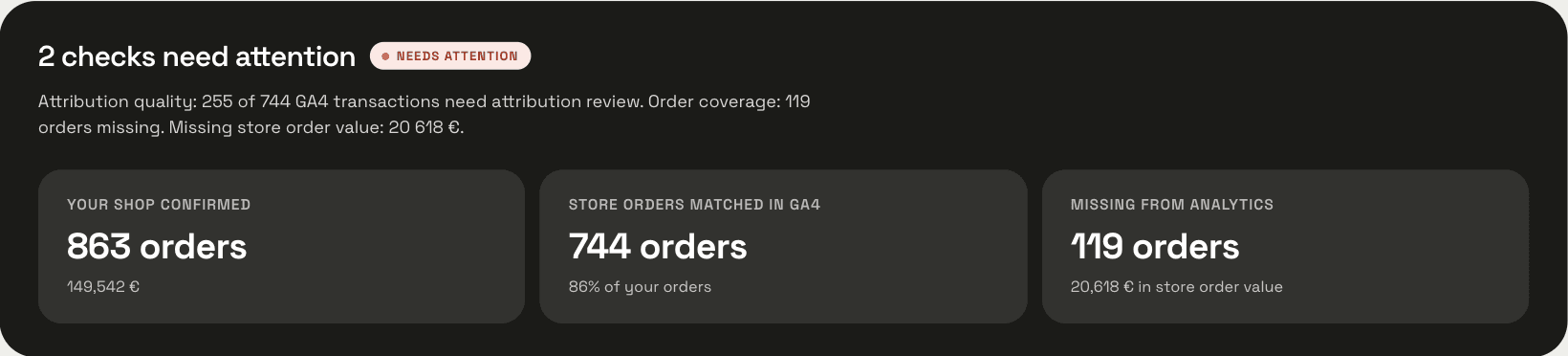
If you also compare orders with GA4, keep that in a separate column. GA4 misses orders for its own reasons, and mixing the two gaps hides both.
Keep a one-line log
A rate on its own is a mood. A rate next to last week's, with a note on what changed, is a measurement. Keep one line per week, in a spreadsheet or in the notes app you already open on Mondays.
- The week, Monday to Sunday.
- Carts and orders, as counted by your rule.
- The rate, to one decimal.
- One note on what changed that week: a shipping price, a campaign, a new payment method, a holiday.
After four weeks you know your own normal, and that is the only benchmark that answers whether a change worked. After a change, compare the week after with the four before it. One week up or down means nothing; two in a row in the same direction is worth a look at the three places above.
Questions
- Should cancelled orders count as abandoned?
- Yes, if the customer cancelled before paying. A paid order refunded later is a return, not an abandoned cart.
- How many weeks before the number means something?
- Four. One week tells you the level, four tell you what normal looks like for your shop.
- Does a cart from a bot count?
- Only if your rule says so. Most shops leave out carts with no customer and no email that never reached checkout, and write that exclusion into the rule so next week counts the same way.
Sources
About the author: Mantas Lukošius
Mantas has worked in ecommerce for more than 15 years, almost all of it on PrestaShop: from his own first shop to business stores and large clients. He builds ManteIQ. Ecommerce and the data behind it are still what he enjoys most.
How we write and check what we publish